Interactive breed finder
Browse dog breeds
Filter 360+ profiles by lifestyle, size, and energy—then keep going with quiz matches, comparisons, and full owner guides.
Popular breeds

Labrador Retriever

Golden Retriever

French Bulldog

German Shepherd

Poodle (Standard)

Beagle

Bulldog

Poodle (Miniature)
All breeds A–Z
Showing 40 of 362 profiles. Open any card for the full guide, or use the A–Z directory.

Affenpinscher

Afghan Hound
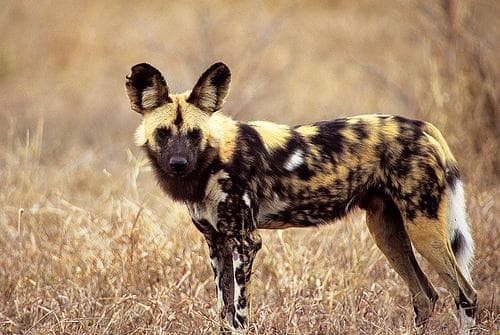
African Hunting Dog

Airedale

Airedale Terrier

Akbash Dog

Akita

Alapaha Blue Blood Bulldog

Alaskan Husky

Alaskan Malamute

Albanian Hound

American Bulldog

American Bully

American Cocker Spaniel

American Eskimo Dog

American Eskimo Dog (Miniature)

American Foxhound

American Hairless Terrier

American Pit Bull Terrier
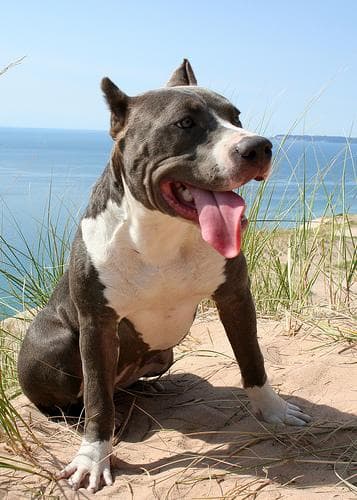
American Staffordshire Terrier

American Terrier
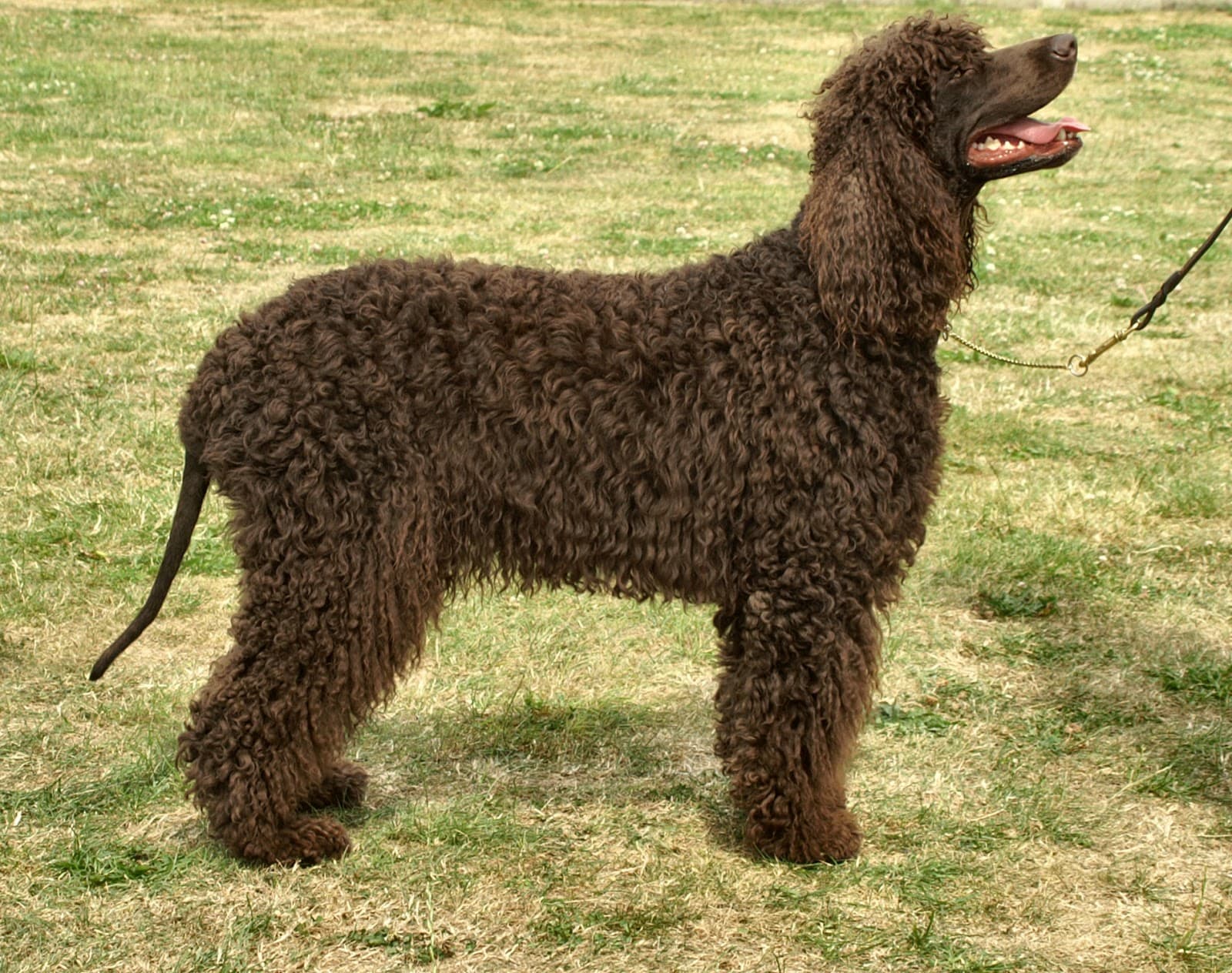
American Water Spaniel
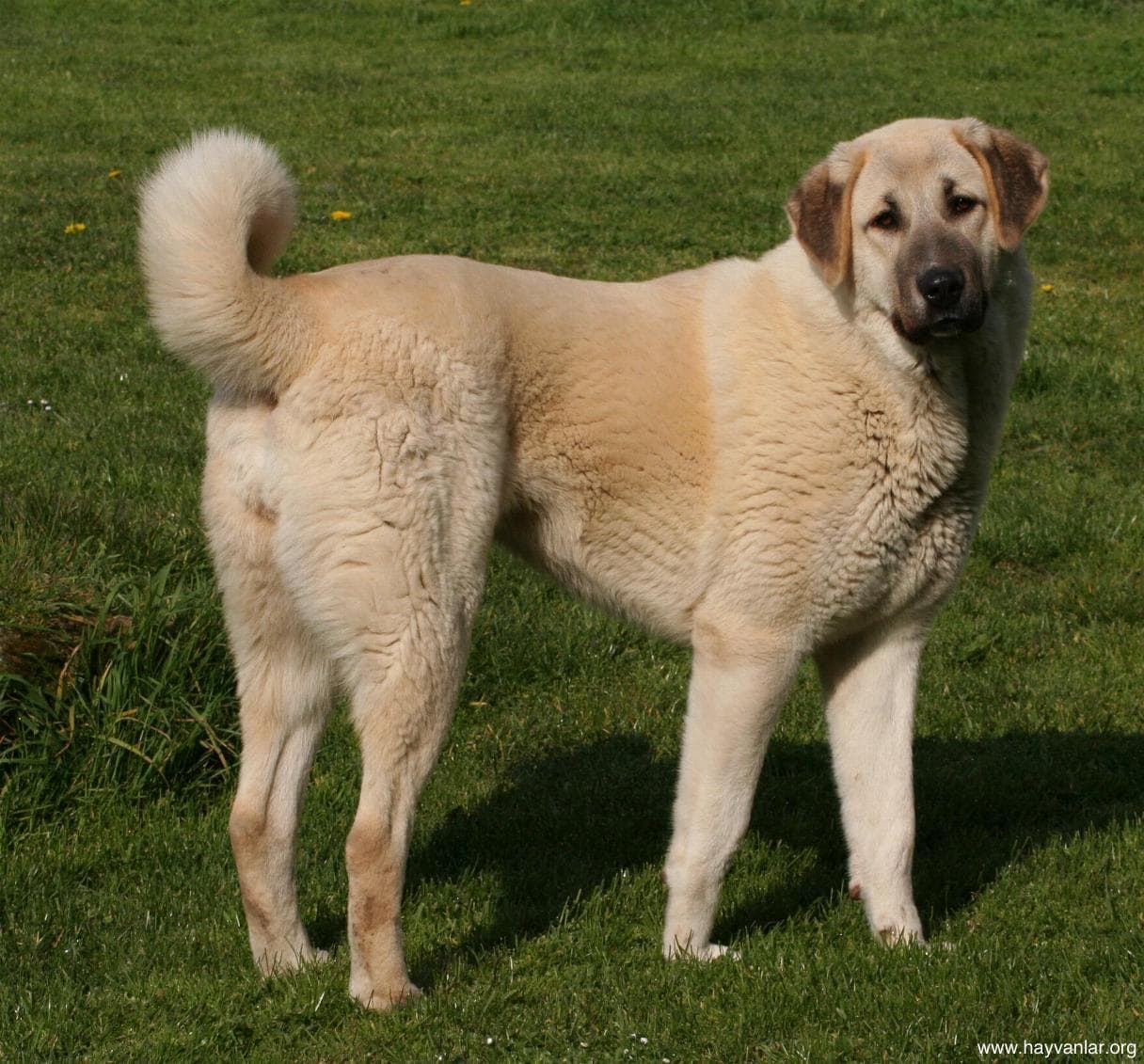
Anatolian Shepherd

Andalusian Terrier

Appenzeller

Appenzeller Sennenhund

Ariegeois
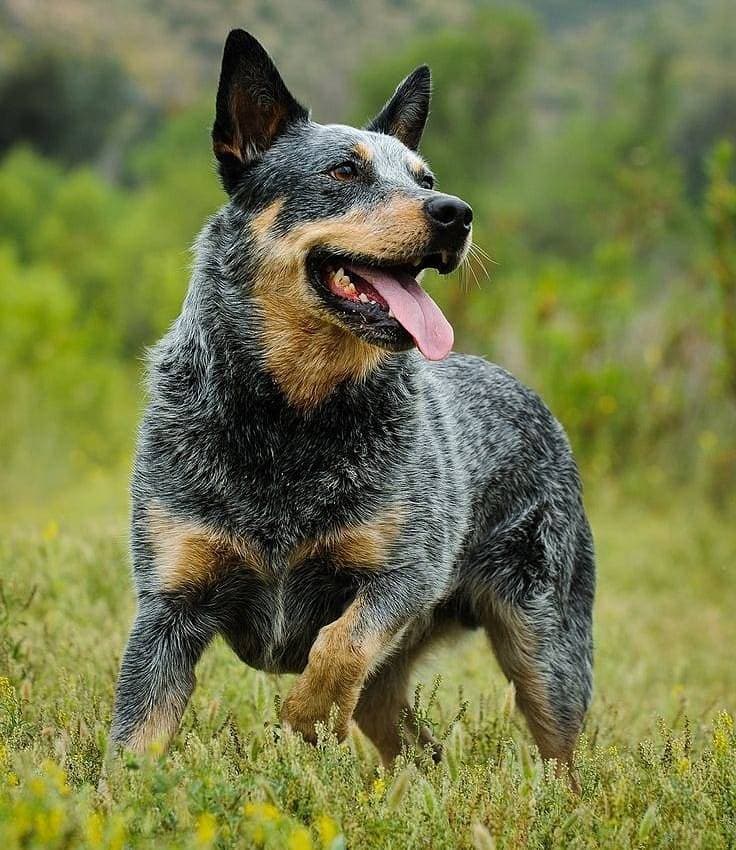
Australian Cattle Dog

Australian Cattledog

Australian Kelpie

Australian Shepherd

Australian Terrier

Austrian Black and Tan Hound

Azawakh

Barbado da Terceira

Barbet

Basenji

Basset Bleu de Gascogne

Basset Fauve de Bretagne

Basset Hound
How to use this breed finder
Start with a lifestyle preset if you know your home type—apartment, kids, first-time owner, or lower shedding. Then trim with size, energy, and coat chips. Search works on names, temperament, and origin.
Tap any card for temperament, health screening notes, costs, and first-year guidance. When two breeds stand out, use Compare or take the match quiz for a ranked shortlist. Prefer alphabetical scanning? Open the A–Z directory.
Breeds page FAQs
How do I browse dog breeds on PawPedia?
Use search, lifestyle presets (apartment, family, first-time, low shed), and size/energy/coat chips. Results update live and sync to the URL so you can share a filtered view. Open any card for the full owner guide.
What’s the difference between /breeds and /all-dog-breeds?
/breeds is the interactive finder with filters and discovery strips. /all-dog-breeds is the A–Z directory for scanning every name alphabetically.
How should I choose filters if I’m not sure?
Start with a lifestyle preset that matches your home, then tighten size or energy. If you’re still stuck, take the free breed match quiz for ranked recommendations.
Are “apartment” or “hypoallergenic” filters guarantees?
No. They’re based on typical breed scores and coat leanings. Individuals vary—meet dogs, talk with your allergist or vet, and read each breed’s full guide before deciding.
References
Breed browsing tips summarize publicly available kennel and veterinary education sources.
- [1]How to Choose the Right Dog Breed — American Kennel Club (AKC)
- [2]Dog Breeds Directory — American Kennel Club (AKC)
- [3]Pet Ownership Resources — American Veterinary Medical Association (AVMA)
- [4]General Dog Care — ASPCA